Select the node
Description: Selects the node.
This is enabled only when one of the following items has been selected in [Object Browser].
[Grid shape] under [Grid]
Any item under [Node attributes], which is under [Grid]
Any item under [Cell attributes], which is under [Grid]
Left drag on the canvas and make a square (Figure 353). When the mouse is released to complete dragging, all the nodes in the square are selected and they become large black squares.
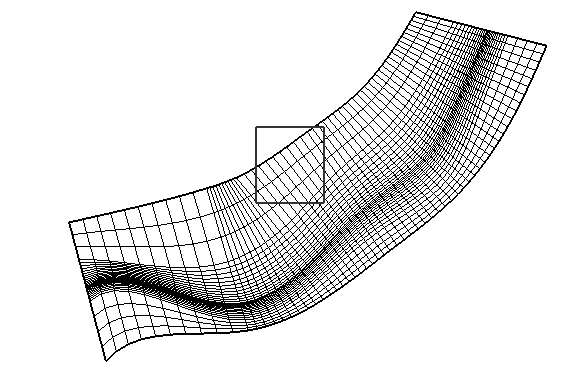
Figure 353 Example of iRIC display while dragging on the canvas is being done

Figure 354 Example of iRIC display when nodes are selected