[Background Image] (B)
Description: Imports the background image.
Background image can be imported from the file formats below:
JPEG file (*.jpg, *.jpeg)
PNG file (*.png)
TIFF file (*.tif)
When you select [Background Image], the [Open Image file] dialog (Figure 83) will open. Select the file you want to open and click on [Open]. When the file is successfully imported, the image will appear in [Object Browser].
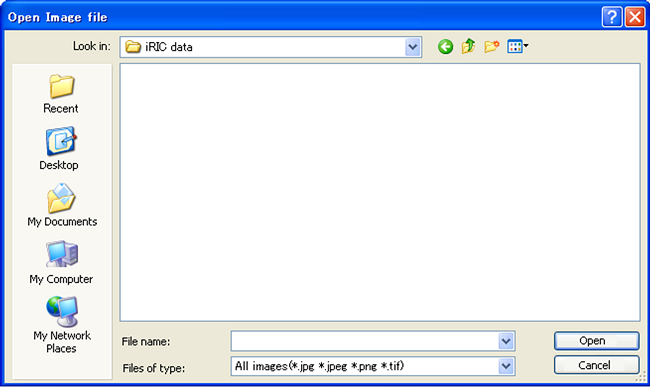
Figure 83 The [Open Image file] dialog