[Create grid by dividing rectangular region]
Description: Specifies a rectangular region and creates a grid by equally dividing the region in the x and y directions. Figure 281 shows an example of a grid created by this algorithm.
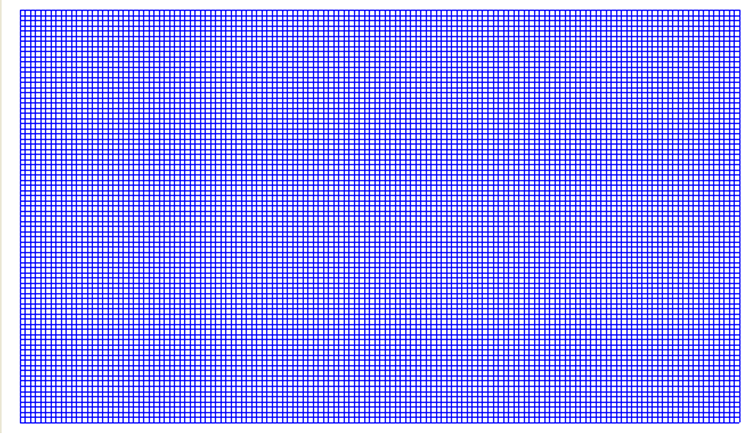
Figure 281 Example of a grid created by dividing the rectangular region
After selecting this algorithm, click on the canvas to specify the region where you want to create a grid. Figure 282 shows an example of the display immediately after a region has been specified. Select [Grid Creation] from the menu. The [Grid Creation] dialog (Figure 283) will open.
The region specified by the left drag is shown in the input boxes of the [Grid Creation] dialog. Click on [Apply] and adjust the input boxes. Click on [OK] to create the grid.
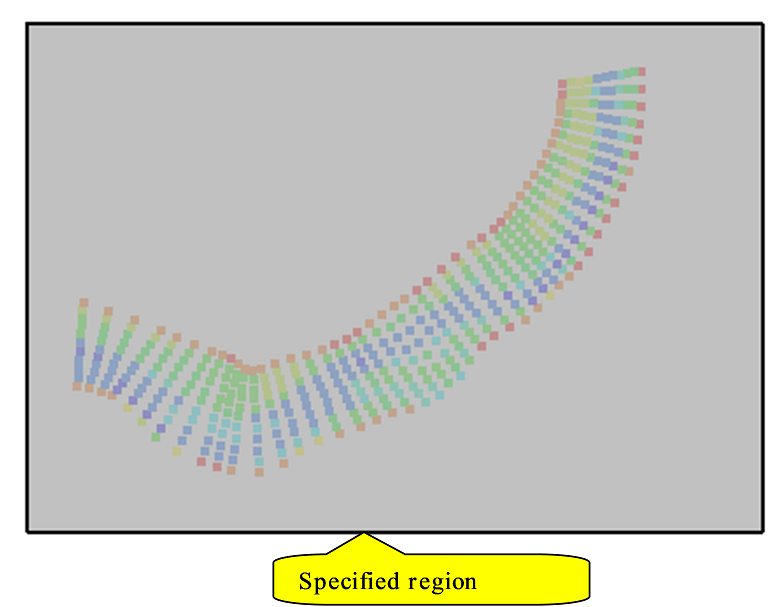
Figure 282 Example of the display immediately after a region is specified
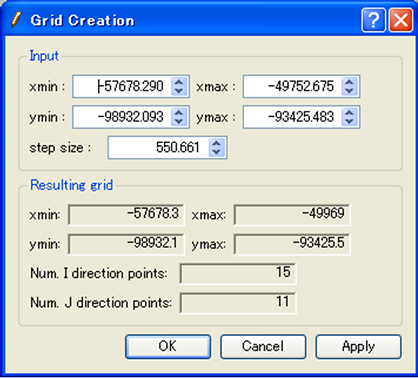
Figure 283 Example of the [Grid Creation] dialog