[Geographic Data] (E)
Description: Exports geographic data.
Geographic data can be exported to the file formats in Table 10.
| Type | Format |
|---|---|
| Point cloud data | Topography file (*.tpo) |
| LandXML file (*.xml) | |
| STL file (*.stl) | |
| VTK file (*.vtk) | |
| Cross-section data | River Survey data (*.riv) |
| Text file (*.txt) | |
| CSV file (*.csv) | |
| LandXML file (*.xml) | |
| Raster data | GeoTIFF file (*.tif) |
| Arc/Info ASCII file (*.asc) | |
| 16bit grayscale PNG file (*.png) | |
| NetCDF file (*.nc) | |
| Time series raster data | NetCDF file (*.nc) |
| Polygons | ESRI Shapefile (*.shp) |
| CSV file (*.csv) | |
| Lines | ESRI Shapefile (*.shp) |
| CSV file (*.csv) | |
| Points | ESRI Shapefile (*.shp) |
| CSV file (*.csv) |
When you select [Geographic Data], a list of exportable geographic data is shown as submenus. Select the geographic data you want to export and the [Select file to export] dialog (Figure 80) will open. Input the file name to export and click on [Save].
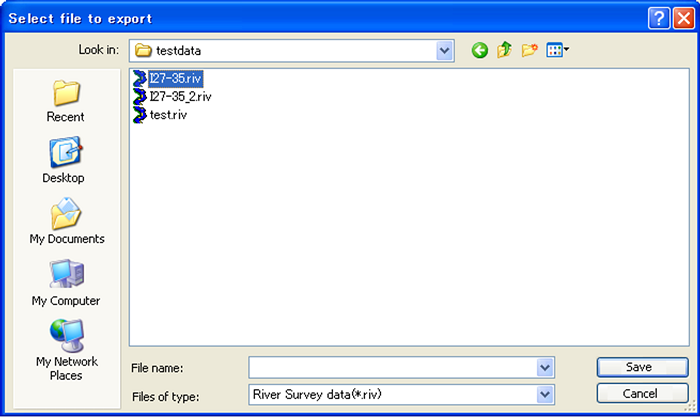
Figure 80 The [Select file to export] dialog