[Grid] (G)
Description: Imports a grid.
Grid can be imported from the file formats in Table 9.
| Type | Format |
|---|---|
| Structured grid | iRIC project file (*.ipro) |
| CGNS file (*.cgn) | |
| iRIC Grid CSV file (*.csv) | |
| RIC-Nays grid file (*.grid) | |
| Unstructured grid | iRIC project file (*.ipro) |
| CGNS file (*.cgn) | |
| TRIANGLE node file (*.node) |
When you select [Grid], the [Select file to import] dialog (Figure 73) will open. Select the file you want to import and click on [Open]. Figure 74 shows the iRIC window after importing a grid.
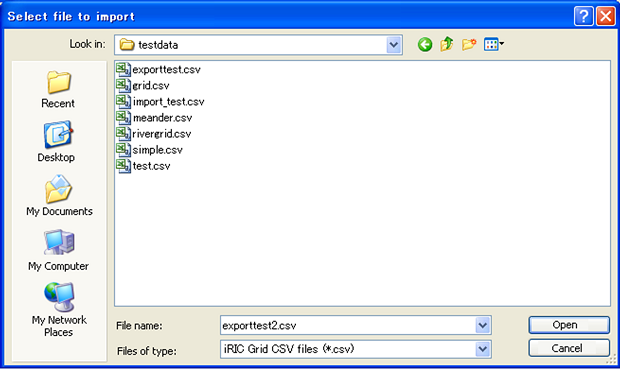
Figure 73 The [Select file to import] dialog

Figure 74 The iRIC window after importing a grid